Table of content

This rounding calculator lets you round numbers instantly to any level of precision, including decimal places and significant figures. Enter your value, choose how you want to round, and get results in seconds with this fast and reliable round off calculator.
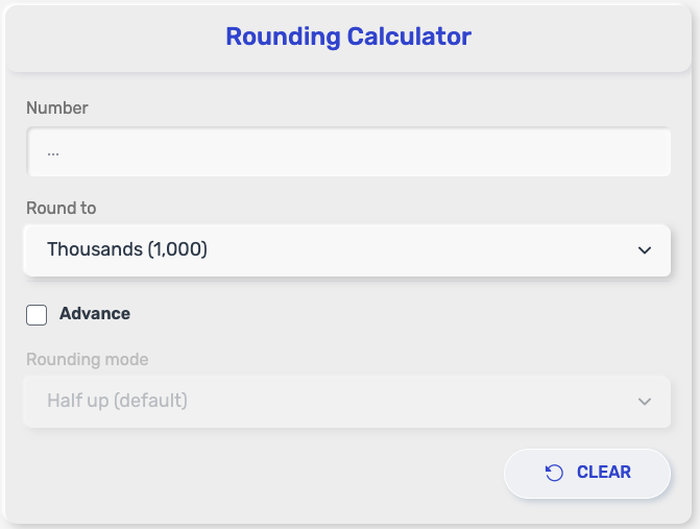
Getting a rounded value takes just a few quick steps. The process is simple and works the same whether you're rounding decimals, whole numbers, or using this as a rounding numbers calculator for more precise values.
Enter the number you want to round into the input field
Select how you want to round (decimal places, whole number, or significant figures)
Choose the level of precision, such as nearest tenth, hundredth, or a specific number of digits
Click the “Calculate” button to process the value
Instantly view the rounded result displayed on the screen
You can repeat the process with different numbers or rounding levels as needed.
This rounding calculator is built for quick, flexible number rounding in many everyday situations. Whether you need a simple round off calculator for homework, checking totals, or cleaning up long decimals, it gives you a fast result without extra steps.
With this tool, you can:
Round numbers to the nearest whole number
Round decimals to specific place values such as tenths, hundredths, and thousandths
Round values to a selected number of significant figures
Apply standard rounding rules automatically based on the next digit
Work with positive numbers and negative numbers
Round large values and very small decimal numbers
Use it as a rounding numbers calculator for school, business, science, and daily calculations
This makes the tool useful when you need cleaner numbers for reporting, estimating, checking answers, or simplifying results before moving to the next step.
The result shows the rounded version of the number you entered based on the option you selected. A rounding calculator does not change the meaning of the value. It only adjusts how detailed the number appears.
For example, if you enter 4.786 and choose to round to two decimal places, the result becomes 4.79. If you round the same value to the nearest whole number, the result becomes 5.
The number changes according to the digit right after the place you want to keep:
If that digit is 5 or more, the value rounds up
If that digit is less than 5, the value stays the same
This result is useful when you want a cleaner number for school work, pricing, measurement, reports, or quick estimates. Many people use a round off calculator to make long decimals easier to read and easier to use in the next step of a calculation.
The unit does not change after rounding. If your original number is in meters, dollars, kilograms, or any other unit, the rounded result stays in that same unit. Only the precision changes.
This rounding numbers calculator can also make results look more practical. For example:
12.444 rounded to one decimal place becomes 12.4
12.444 rounded to two decimal places becomes 12.44
12.444 rounded to the nearest whole number becomes 12
So when you see the output, read it as a simpler version of your original value, based on the rounding rule and precision you selected.
Rounding shows up in many everyday tasks, not just in math class. A rounding calculator becomes useful anytime you want numbers that are easier to read, compare, or work with.
Here are some of the most common situations:
School assignments and exams
Students often need to round answers to a specific number of decimal places or significant figures.
Money and pricing calculations
Totals, taxes, and discounts are usually rounded to keep values clean and practical.
Measurements and units
Length, weight, and volume are often rounded to match the level of precision needed.
Data reporting and statistics
Rounded numbers make charts, tables, and summaries easier to read.
Quick mental estimates
Rounding makes it faster to approximate results without doing full calculations.
Engineering and technical work
Values are often rounded to fit tolerances or simplify communication.
In all these cases, using a round off calculator keeps results consistent and saves time, especially when working with long decimals or repeated calculations.
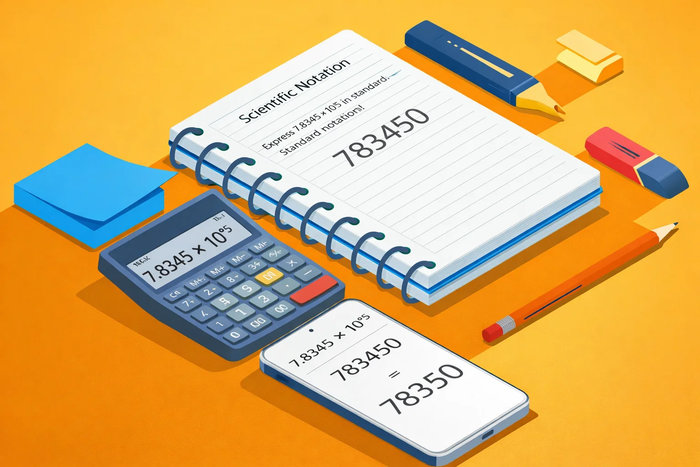
Rounding follows a simple rule based on the digit right after the place you want to keep.
Rounded value = nearest value based on the target place
Example:
3.678 → 3.68 (rounded to 2 decimal places)
45.2 → 45 (rounded to nearest whole number)
One-line explanation:
The digit immediately after your chosen place determines whether the value increases or stays the same.
Watch this quick explanation to see how rounding works step by step with clear examples.
Different situations call for different rounding methods. This rounding calculator gives you flexible options so you can match the level of precision you need without doing it manually.
This is the most common type, especially when working with fractions or precise values.
You choose how many digits to keep after the decimal point
The rest of the number is adjusted based on standard rounding rules
Examples:
5.236 → 5.24 (rounded to 2 decimal places)
8.129 → 8.1 (rounded to 1 decimal place)
Used when you want a simplified value without decimals.
Focuses only on the digit before the decimal point
Ideal for quick estimates and general use
Examples:
7.5 → 8
7.4 → 7
This method is often used in science, engineering, and technical calculations.
Keeps a specific number of meaningful digits
Ignores leading zeros but counts important digits
Examples:
0.004567 → 0.00457 (3 significant figures)
12345 → 12300 (3 significant figures)
This is the core rule behind all rounding methods.
Round up when the next digit is 5 or greater
Round down when the next digit is less than 5
Examples:
6.75 → 6.8 (round up)
6.72 → 6.7 (round down)
Each method works slightly differently, but they all follow the same basic rule. Choosing the right type depends on whether you need precision, simplicity, or standardized values for your calculation.
Rounding looks simple, but small mistakes can lead to noticeable differences, especially in longer calculations. A few practical habits can keep your results clean and consistent when using a rounding calculator or doing it manually.
Always check the digit right after your rounding position
This digit decides whether the value goes up or stays the same, so don’t skip it.
Be careful with trailing zeros in significant figures
Zeros can be meaningful depending on the context, especially in scientific or technical values.
Keep your rounding method consistent
Switching between different rounding styles in the same calculation can create inaccurate results.
Avoid rounding too early in multi-step calculations
It’s better to round only at the final step to prevent small errors from building up.
Double-check decimal places before finalizing
A small misread (like rounding to 1 decimal instead of 2) can change the outcome.
Using these tips with a rounding numbers calculator makes your results more reliable, whether you're working on school problems, financial figures, or real-world measurements.
National Institute of Standards and Technology (NIST) – GLP 9: Rounding Expanded Uncertainties and Calibration Values
https://www.nist.gov/document/glp-9-rounding-20190506pdf
Encyclopaedia Britannica – Significant Figures
https://www.britannica.com/science/significant-figures
Khan Academy – Round Decimals (Practice)
https://www.khanacademy.org/math/cc-fifth-grade-math/imp-place-value-and-decimals/imp-rounding-decimals/e/rounding_numbers
Khan Academy – Worked Example: Rounding Decimals to Nearest Tenth
https://www.khanacademy.org/math/cc-fifth-grade-math/imp-place-value-and-decimals/imp-rounding-decimals/v/rounding-decimals
National Renewable Energy Laboratory (NREL) – Rounding and Significant Figures
https://docs.nrel.gov/docs/gen/fy08/42626.pdf
Encyclopaedia Britannica – Scientific Notation
https://www.britannica.com/science/scientific-notation
Yes. You can round decimal numbers to tenths, hundredths, thousandths, or any other decimal place supported by the tool.
In standard rounding, the number rounds up when the next digit is 5 or greater.
Yes. The calculator can round both positive and negative values using the same rounding rules.
No. Rounding changes the value based on the next digit, while truncating simply cuts off extra digits without adjusting the remaining number.
Yes. A rounding calc is commonly used for prices, taxes, totals, estimates, and other financial values where cleaner numbers are needed.
Roundingnumberscalculator.com tool was built to make number rounding quick, clear, and stress-free. Whether you're working on homework, checking figures, preparing reports, or handling everyday calculations, this tool helps you round numbers accurately without slowing down your workflow.
This tool was created by the roundingnumberscalculator.com team, with contributions from developers, content specialists, and problem-solving tool designers who focus on building simple resources that make math easier to use in real life.
We believe a useful calculator should also be clear, dependable, and transparent. roundingnumberscalculator.com tool is designed to give users a quick and simple way to round numbers accurately for learning, planning, reporting, and everyday problem-solving.
Roundingnumberscalculator.com does not require registration, account creation, or personal information. Any numbers you enter are processed only for the purpose of generating results. We do not store, save, or share the values entered into the tool.
This calculator is built to follow standard rounding rules and provide consistent results based on the values and settings you choose. While the tool is intended to be accurate and easy to use, users should still review outputs when using them for school assignments, financial documents, business reports, or other situations where precision is especially important.
The tool is created for educational, personal, and general informational use. It works well for quick checks, learning support, and everyday calculations, but it should not be treated as a substitute for careful review, professional analysis, or official documentation when exact accuracy is required.
By using this calculator, you understand that the results are provided as a convenience tool to support faster calculations. Final responsibility for how the results are used remains with the user.
We may revise this Policy from time to time to reflect improvements to the calculator, changes in functionality, or updates in how the tool is maintained. Any changes will be posted here so the information remains open, clear, and up to date."